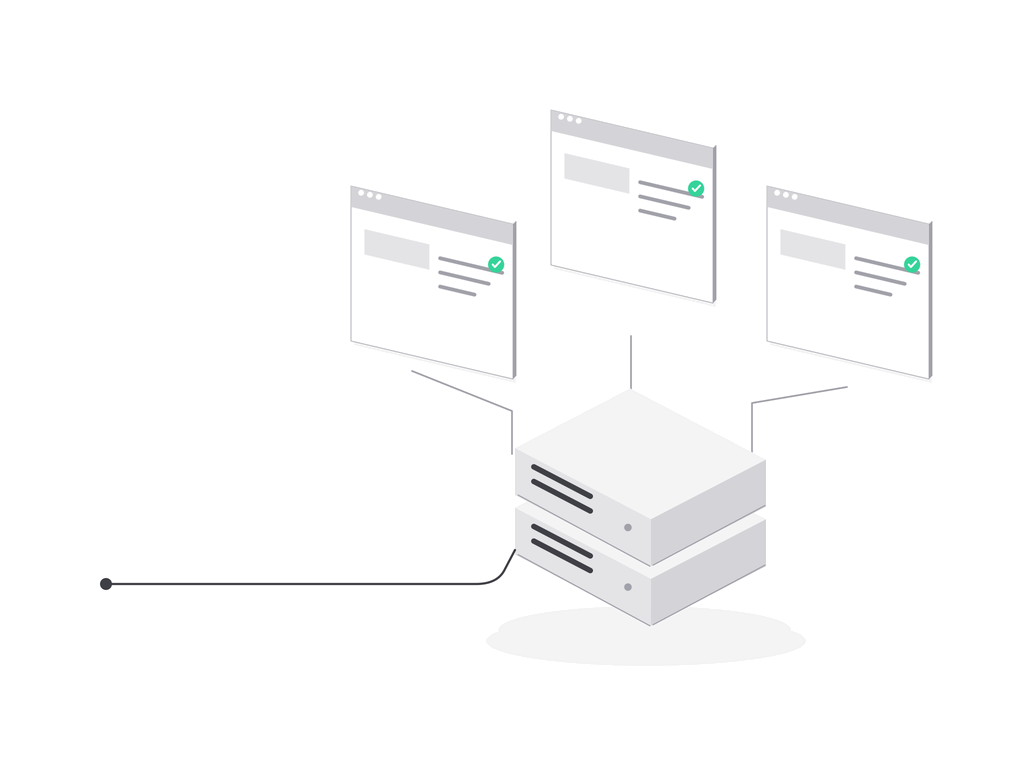
The panel is ours, the applications are yours
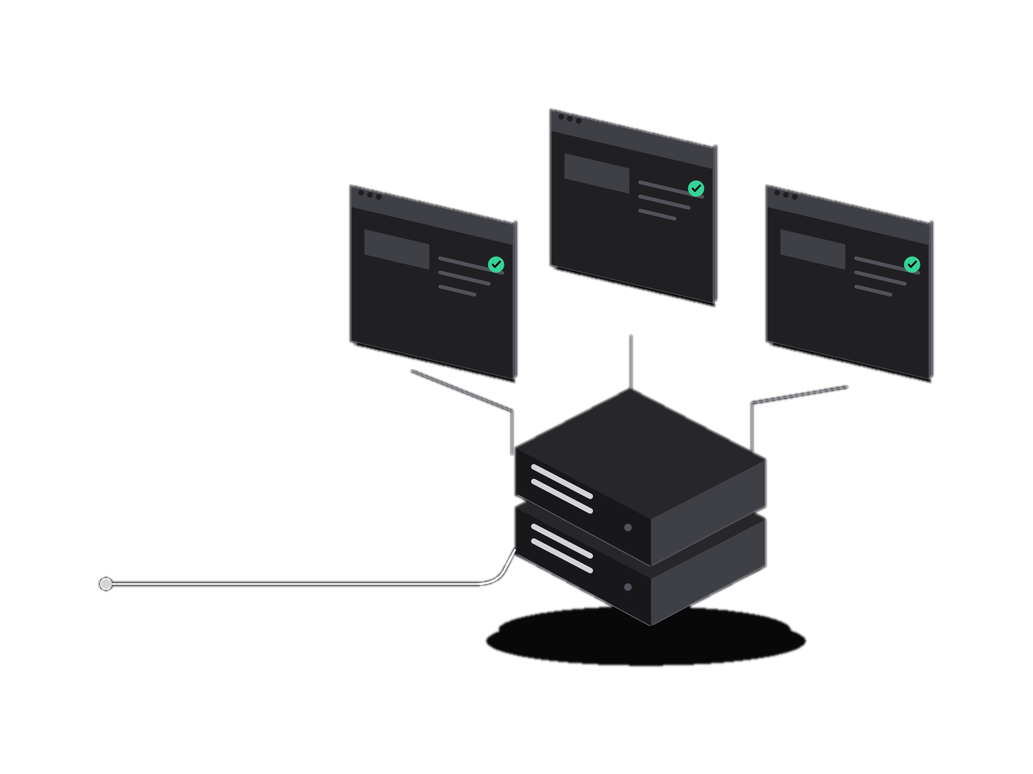
Three nodes: the panel, the agent gateway (hub) and the agent on your VPS.
The panel stores project settings and deploy history. Code, images, data and secret values stay on your server.
Free: 1 server, 1 project, 1 domain. You pay your hosting provider for the server.
- Command queued
- Agent accepted the command
- Build
- Starting the new version
- Done
Security and data
The agent opens an outbound WebSocket (WSS) connection to the agent gateway (hub) itself and opens no inbound ports. It runs only allowlisted operations, never arbitrary commands.
- Code and images
- Volumes and databases
- Secret values
- Version history
- Account and organization
- Inbound ports
- Code and images
- Volumes and databases
- Secret values
- Version history
- Account and organization
- Inbound ports
Pick a node to see what is stored where.
What the agent does
The run window shows the steps and the log of a command the same way the panel does. If the build or the readiness check fails, the new version is not applied and the old one keeps running: the log shows the reason.
- Command queued
- Agent accepted the command
- Build
- Starting the new version
- Done
- from command to a running version, build without cache
- repeat deploy: dependency layers from cache
- Next.js standalone image on the server
- proxy errors while switching versions
Verifiable
Do not take our word for it. You will run these commands on your own server after installing the agent, and you can try them here first.
admin@prod-1:~$
Pick a check or type a command in the terminal.
The output is a sample: addresses, PIDs and the checksum on your server will differ.
State of the panel, the hub and agents: status.nolay.ru
Agent permissions and checks
Four commands on your server. ss -tulpn shows that the agent listens on no ports. id nolay shows the user it runs as. cat /var/log/nolay/audit.log opens the operation log. curl -fsSL https://get.nolay.ru/nolay-agent.sha256 prints the published checksum (SHA-256) of the agent file.
Build an image and start a container. Roll back to a previous version from a saved image. Read build and container logs. Write environment variables and secrets into the container environment. Back up volumes and database dumps to the storage you specified. Issue and renew certificates for domains.
Run arbitrary commands: it knows only the operations from the allowlist. Run as root: the agent runs as the nolay user in the docker group. Open inbound ports. Send code and secret values to the panel: they stay on your server.
The agent gateway at api.nolay.ru. Through it the agent receives panel commands and sends events. The agent opens the connection itself, and secrets pass through the hub only as ciphertext.
Containers keep running, and so do monitoring and automatic restart. Deploy and rollback are temporarily unavailable. A break of minutes, hours or days does not affect running projects.
The agent performs only operations from the allowlist and does not run as root. We store the account, the organization, project settings, deploy history, the audit log and metrics. We do not have your code, secret values, images or backups.
You fix errors in your code, the hosting provider fixes server problems, and we fix failures of the panel and the agent. The status page status.nolay.ru shows where a failure is right now.