Client projects and servers in one panel
Client servers at any hosting providers, the state of every project in one list.
Each project has its own domain, version history and rollback. Roles and client spaces are not there yet, they are planned.
Free: 1 server, 1 project, 1 domain. You pay your hosting provider for the server.
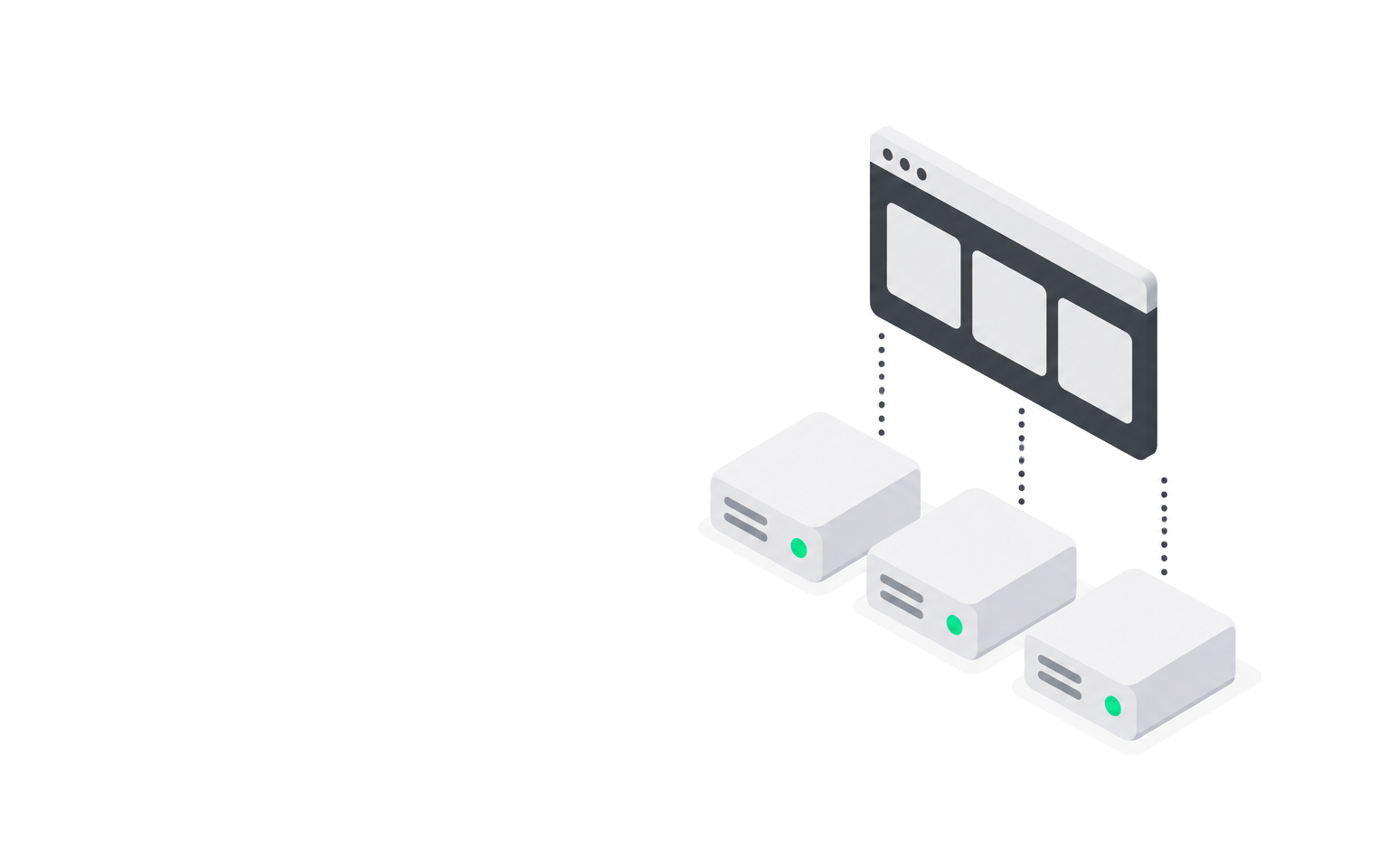
What is ready for client projects
Deploy
Builds from Git or a Dockerfile on your server, or runs a ready image. If the build or the readiness check fails, the new version is not applied and the old one keeps running.
Node and Express: 29 s from command to a running version
Zero-downtime deploy
The new version starts next to the old one. Traffic switches only after a successful readiness check (health check).
4075 requests while switching versions, 0 errors
Rollback
Roll back to any previous version from history. The image is already on the server, nothing is rebuilt.
Usually 10 to 26 s to a running version
Logs
Build log and container output in the panel, build lines arrive as the build runs.
Checked on a clean VPS on 21 September 2026
Domains and TLS
A domain per project. The agent issues and renews a Let's Encrypt certificate via HTTP-01.
HTTPS 200 on a domain and a subdomain with its own certificate
Backups
Volumes and database dumps to your S3 storage on a schedule.
Restore of 210 MB in 20 s, checksum matched
Alerts
An email when a server goes offline, a deploy fails or a project stops working. Repeats of one alert are merged.
Offline email after 2 minutes without contact with the agent
Services
Postgres, MySQL, MongoDB, Redis and Valkey next to your project. The project receives the connection string as a secret.
The service port is never published outside
Tunnels
A server at home or behind NAT, without a public IP. The agent keeps an outbound tunnel, the project opens at an address from Nolay.
No public IP and no open ports on the server
Security and data
Client code, secrets and data stay on their servers. The Nolay panel holds only project settings, deploy history and the audit log.
- Code and images
- Volumes and databases
- Secret values
- Version history
- Account and organization
- Inbound ports
- Code and images
- Volumes and databases
- Secret values
- Version history
- Account and organization
- Inbound ports
Pick a node to see what is stored where.
Eight templates, no Dockerfile needed
A Nolay template knows how to build and run the stack. Pick a stack to see what the agent will do. Your own Dockerfile works too.
- How the agent recognises the stack
- package.json with the next dependency
- Run
- node server.js from .next/standalone, port 3000, user node
- Build, cold and repeat
- 127 and 104 s
- Image
- 308 MB
Measured on a VPS with 1 vCPU and 955 MB on 22 September 2026.
FROM node:22-alpine AS build
ENV NEXT_TELEMETRY_DISABLED=1
RUN npm ci --no-audit --no-fund
RUN npm run build
FROM node:22-alpine
COPY --from=build /app/.next/standalone ./
USER node
CMD ["sh","-c","exec node server.js"]
Price
Free fits one project. For several clients, paid plans are in beta and we agree the terms in person.
0 ₽ per month, no card
- 1 server, 1 project, 1 domain
- Zero-downtime deploys, rollback, logs
- A domain with a Let's Encrypt certificate
The server is paid separately to your hosting provider.
On request
- More servers
- More projects and domains
- Team work
Write to us and we will work out terms for your projects.
Studio questions
Not yet, they are planned. Right now all members of an organization have the same rights, and projects are not separated by client.
There is no automatic transfer of a project to another organization yet. The client's server stays theirs: the code, volumes and images are on it.
There are two payments. You pay the hosting provider for the server, and your contract for it is with them. You pay us for the panel, and on Free that is zero.
You fix errors in your code, the hosting provider fixes server problems, and we fix failures of the panel and the agent. The status page status.nolay.ru shows where a failure is right now.
Projects managed by Nolay are stopped. The server, volumes, images and data stay with you. From then on you run and maintain them yourself, Nolay has no automatic migration tool.